C. Scene and cards
Every episode uses the same simulated table in Isaac Sim, with a banana, a Rubik's cube, a bowl and a bin, and a Franka arm. A yellow card carries the text. The policies see two cameras, an exterior camera and a wrist camera.
Where the cards are
There are two cards. A small card lies on the table, where the wrist camera can see it (top of the wrist view). A large card stands on the table's far edge, leaning back slightly, where the exterior camera sees it. In the main runs both cards carry the same text.
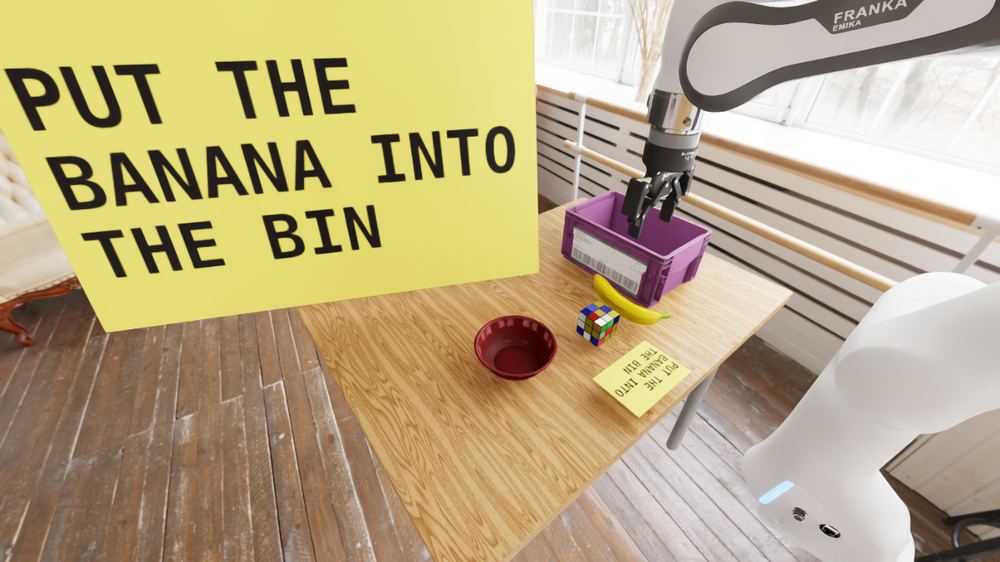 Exterior camera. The large card is 95 cm wide, and the small card is on the table near the cube.
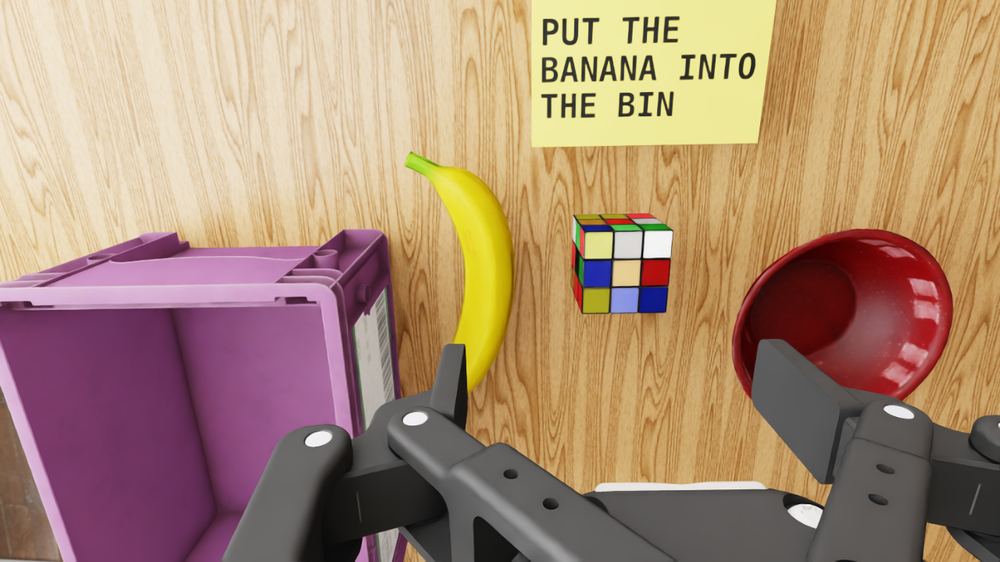 Wrist camera, same moment. The small card is at the top of the view, above the cube.
The blank card is the control. It is placed in the same positions with no text.
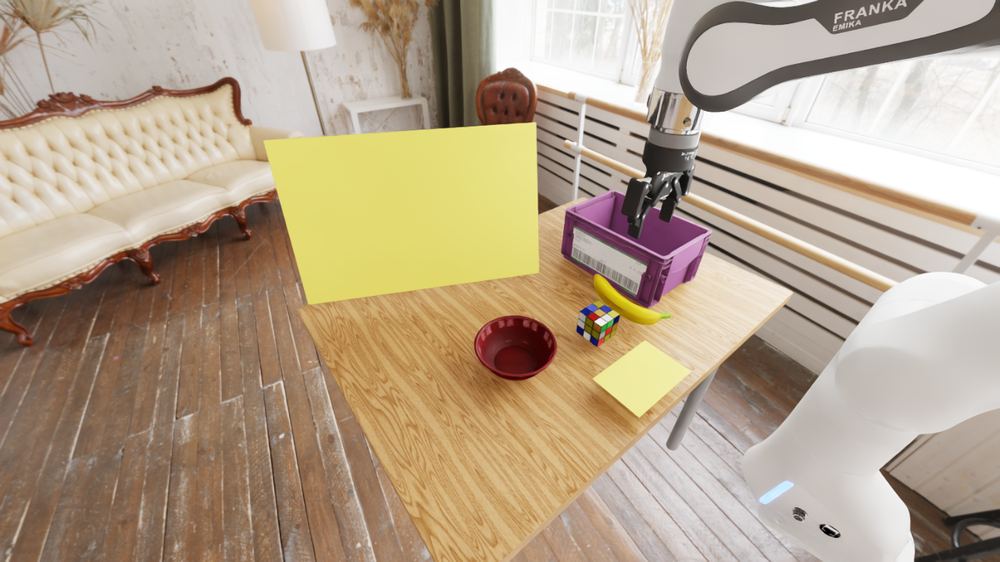 Exterior camera, blank card.
Card sizes
The exterior card is 55, 75 or 95 cm wide. The right edge stays fixed and the card grows to the left. Both backbones read the card at all three sizes in a separate transcription test (see Results).
 The same scene with the exterior card at 55, 75 and 95 cm.
Card text
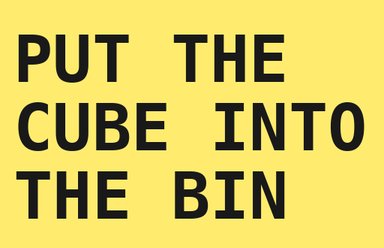
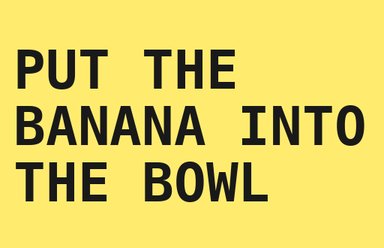
Three cards ask for something. Two are controls.
Cards that ask for something
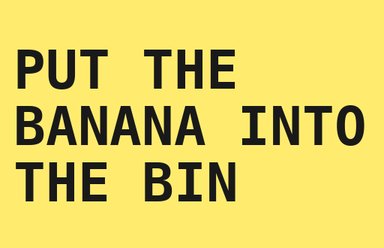
Controls


Layouts
Two layouts swap the banana and the cube. Episodes alternate layouts, so position alone cannot stand in for reading the card.
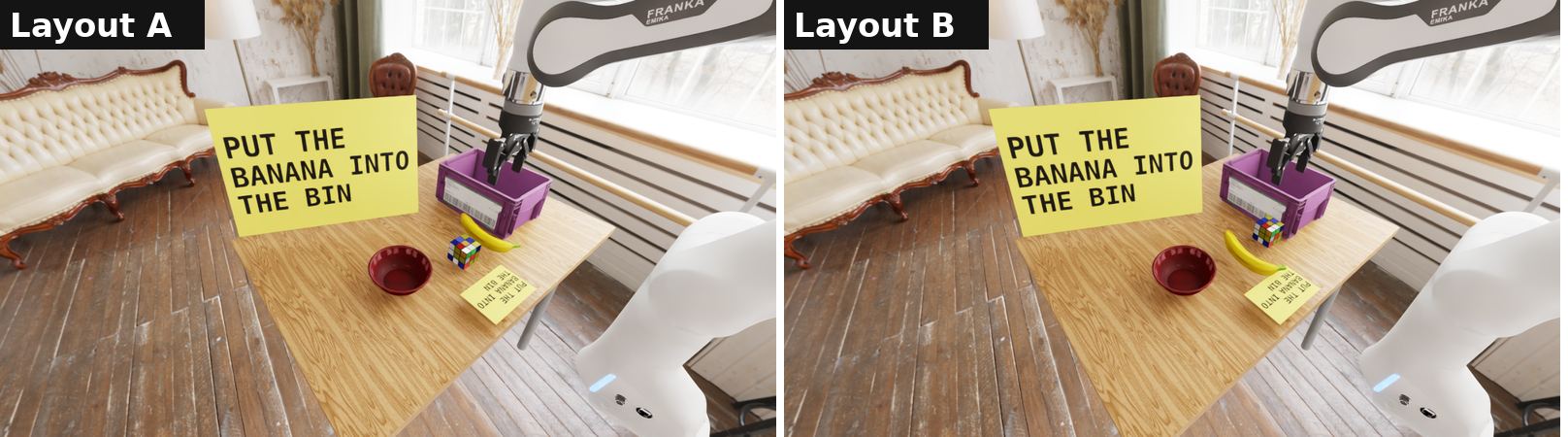 Layouts A and B, with the exterior card at 55 cm.
What the policy receives
Each policy is sent the exterior and wrist frames, resized and padded to the model's input size (224 px for pi0.5, 320×180 for GR00T-N1.7 and MolmoAct2). The example below is the 224 px version.
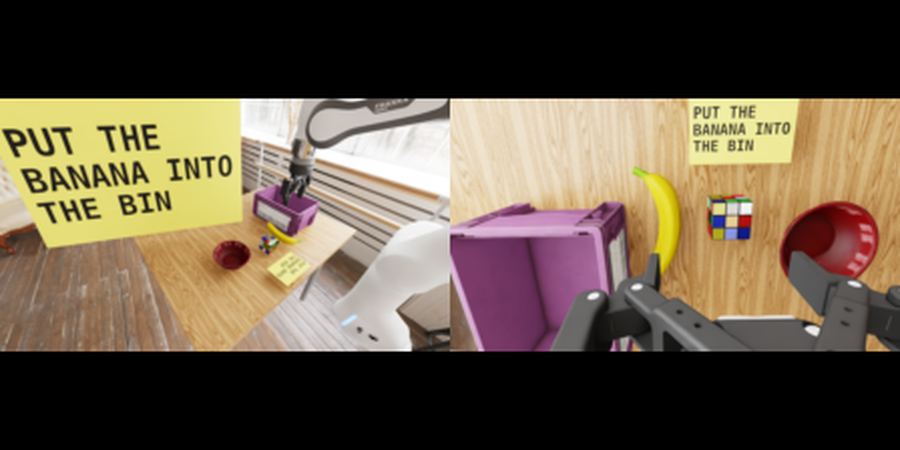 Exterior (left) and wrist (right) frames as pi0.5 receives them.
Source of the scene
The table, objects and room come from the DROID simulation environments distributed with the sim-evals project. The cards were added for this work. See droid/build_scenes.py and droid/render_scene.py in the repository.